Controllable AI video studio

SEELE TV.Direct your dream.

Turn your vision into cinematic AI video with consistent scenes and shot-level camera control—from the first frame to the final cut.

  • Text and reference led
  • Shot-level direction
  • Sequence continuity
  • Multiple model workflows
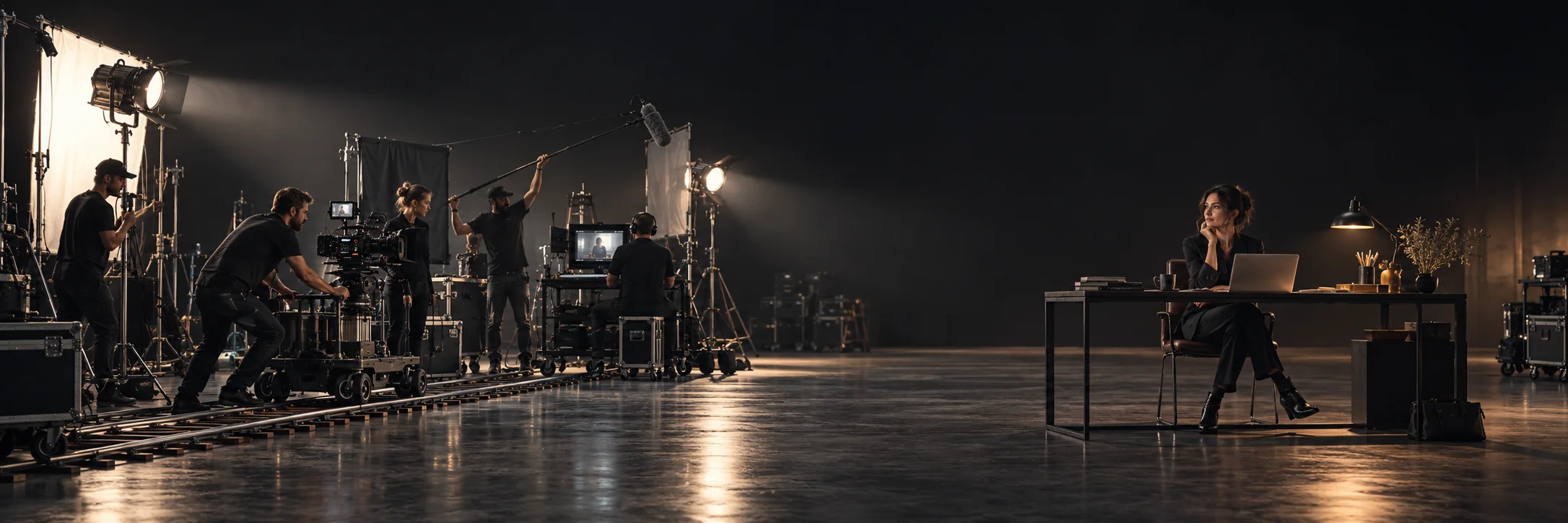
Woman director establishing an abandoned concrete soundstage under a warm Fresnel light01A
Reference frame

Establish the world

The same woman director looking calmly into the camera beside the Fresnel lamp in the same soundstage01B
Directed hero shot

Shape the moment

The same woman director moving deeper into the soundstage while maintaining scene continuity01C
Continuity frame

Carry it forward

SEELE TVEstablish the world → Shape the moment → Carry it forward

From generation to direction

Go beyond an AI video generator. Build a cinematic sequence.

Move from a single visual idea to a coherent sequence—without losing the character, atmosphere, camera language, or purpose that made the idea worth pursuing.

A more directable workflow

Create with references. Control the camera. Keep scenes consistent.

01 / Reference-led creation

Start with more than a text prompt.

Use the material that already defines the idea—an image, a character, a visual language, or an existing scene—to make the direction more specific.

  • Character and subject references
  • Style and composition direction
  • Format-aware creative briefs
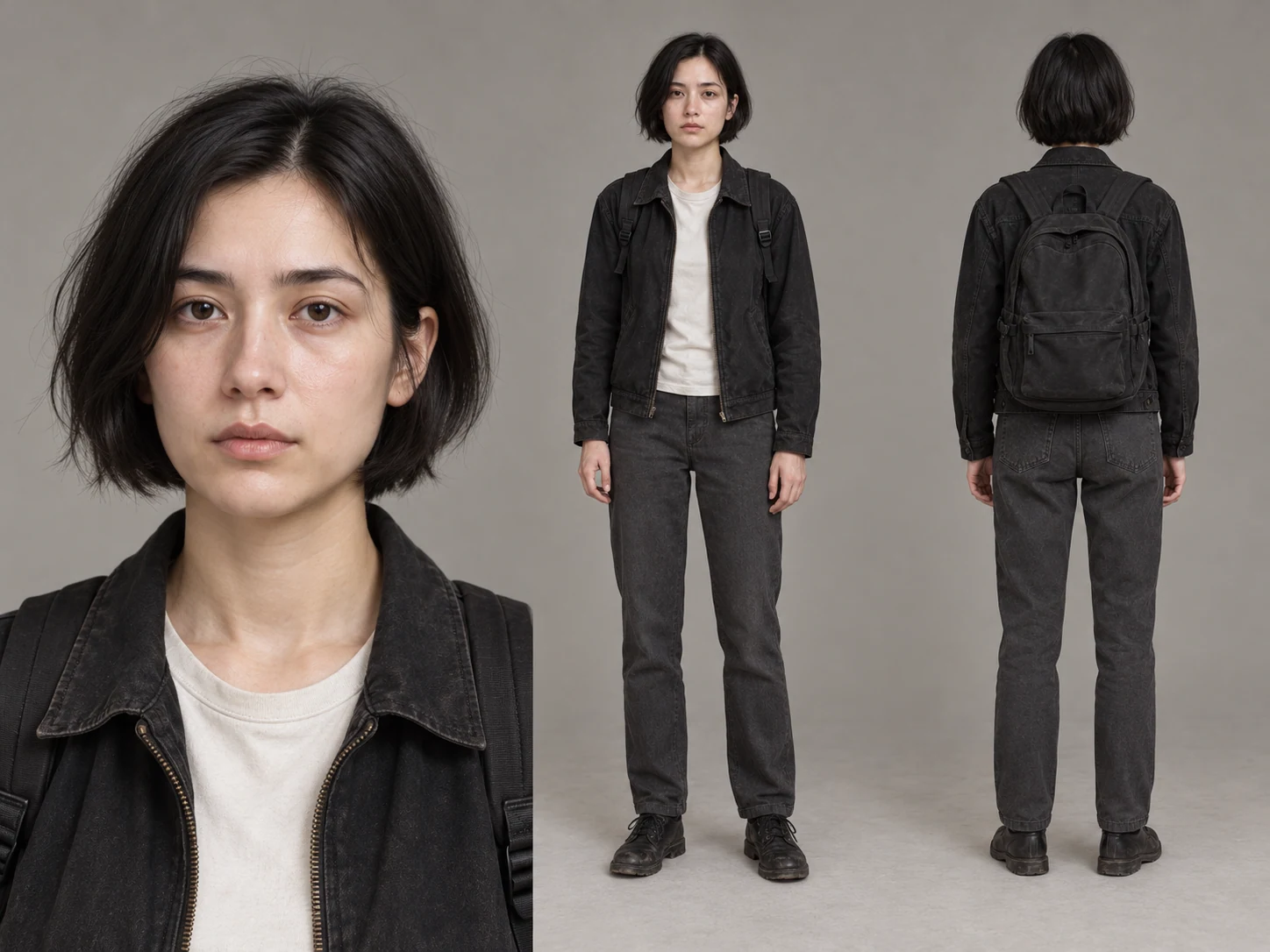
Character wardrobe and set references arranged beside the resulting cinematic scene02

Start with more than a text prompt.

4:3
Input references beside generated scene
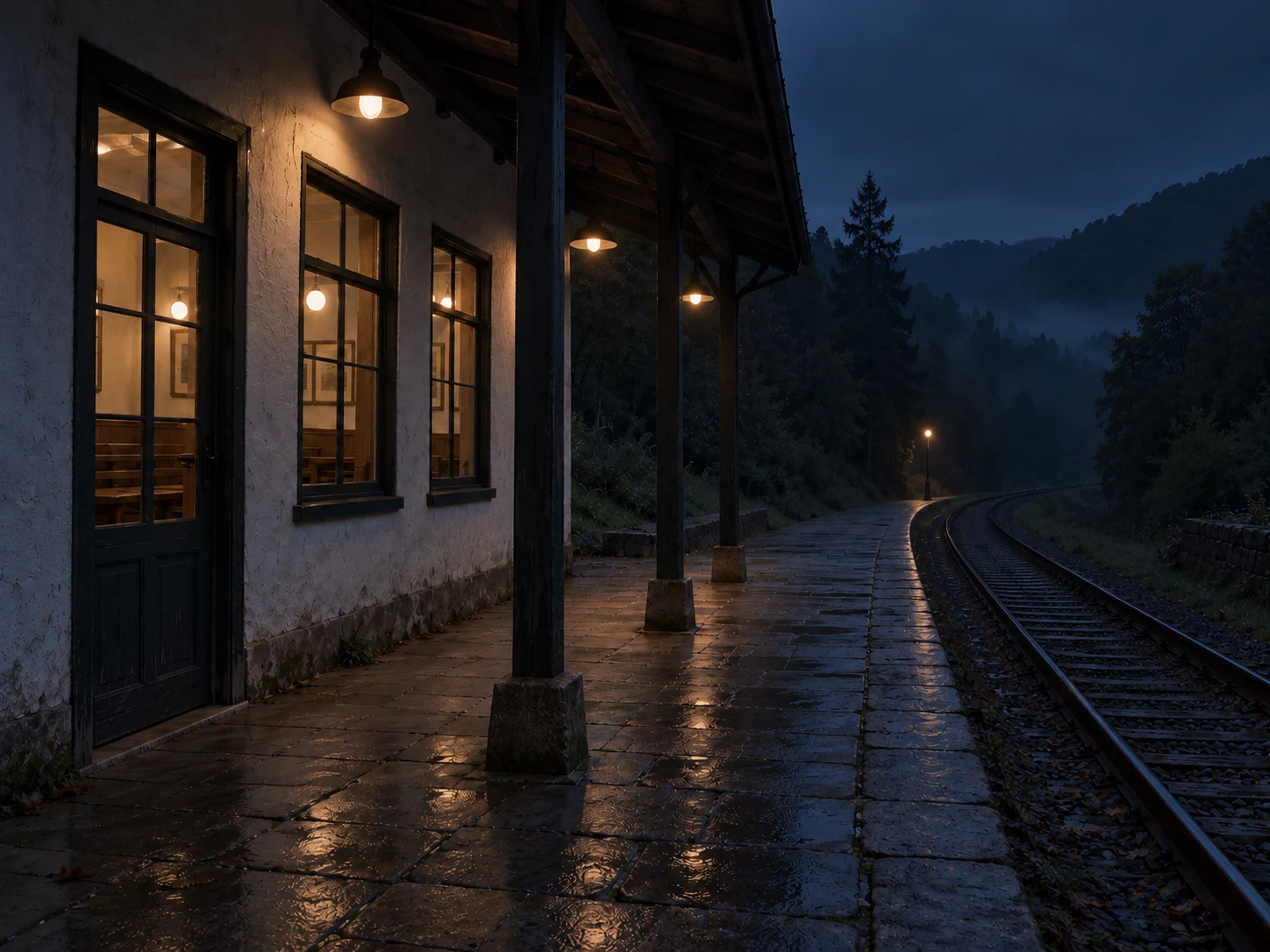
Three connected camera framings of one woman moving through an amber-lit soundstage03

Give every shot a purpose.

4:3
Three connected shots from one world
02 / Shot direction

Give every shot a purpose.

Define what the viewer should notice, how the camera should move, and what must remain consistent when the scene changes.

  • Subject, action, and framing
  • Camera and motion language
  • Continuity across adjacent shots
03 / Sequence review

See the work as a film, not a folder of outputs.

Review pacing, visual continuity, and message across the sequence. Keep what works and revise the smallest decision that does not.

  • Sequence pacing and shot order
  • Visual and narrative continuity
  • Focused revisions with a clear reason
A wide cinematic film-strip composition showing a coherent scene across three moments04

See the work as a film, not a folder of outputs.

21:9
Timeline, selected shots, and final playback

Explore the workflow

Start with features, tools, use cases, models, or deliverables.

Nine purpose-built hubs organize every published guide around the production decision it helps you make.

A lone traveler crossing a misty blue-gray landscape under warm practical light01

Control the video workflow, not just the prompt.

4:3
Features

Control the video workflow, not just the prompt.

Explore the control surfaces that shape an AI video workflow, from shot planning and continuity to revision, review, and delivery readiness.

Features
Miniature soundstage set used to previsualize a cinematic camera composition02

Choose tools by the production problem.

4:3
Tools

Choose tools by the production problem.

Find focused AI video workflow guides for generation, lip sync, planning, review, and the production decisions that connect each tool.

AI video tools
Amber-lit sculptural perfume bottle photographed on a dark cinematic set03

Start with the audience decision the video must support.

4:3
Use cases

Start with the audience decision the video must support.

Explore AI video use cases through concrete briefs, evidence limits, review gates, and channel requirements rather than generic output promises.

Use cases
Alternatives

Compare the workflow you need—not a feature-count headline.

Compare AI video platform alternatives with evidence-bound criteria for workflow fit, control, governance, review, and total production effort.

Alternatives
Guides

Build a working vocabulary for AI video.

Read practical AI video guides on concepts, planning, prompting, review, synthetic media responsibility, and production handoffs.

Guides
Prompts

Working prompts for moving images.

Browse structured AI video prompt collections organized by model, input method, production task, and review intent, then continue with the complete brief in SEELE Generation.

AI video prompts
Three cinematic interpretations of the same practical-light portrait arranged as a coherent comparison07

Model names change faster than production principles.

4:3
Models

Model names change faster than production principles.

Explore AI video model pages through a verification-first lens focused on current access, input modes, controls, limits, and workflow fit.

AI video models
Studies

Study the method before accepting the outcome.

Review transparent AI video workflow studies that separate method, observations, evidence limits, and unpublished measurements.

Case studies
Fashion subject captured in a dynamic amber-lit campaign moment09

Plan the deliverable before opening the workspace.

4:3
Make

Plan the deliverable before opening the workspace.

Use honest, step-by-step AI video workflow planners for specific deliverables without mistaking a guide page for an active online tool.

Make with AI video

FAQs

What is an AI video studio?

An AI video studio goes beyond generating a single clip. SEELE TV helps creators develop an idea through visual references, shot direction, scene continuity, and sequence review.

How does SEELE TV help keep scenes consistent?

SEELE TV supports reference-led direction and continuity briefs that help carry subjects, characters, atmosphere, and camera language across connected shots. Results still depend on the selected model and inputs.

Can I control the camera in AI-generated video?

Camera controls vary by model and current workspace capabilities. When supported, you can direct framing, viewpoint, movement, pacing, and what the viewer should notice in each shot.

Which AI video models can I use in SEELE TV?

Model availability and supported controls can change. Check the SEELE workspace for current options, then use the model notes to compare inputs, motion, sound, continuity, and output constraints.

Can I create cinematic sequences from images and text?

Text-led and image-reference workflows are available when supported by the selected model. Use them to establish a visual world, direct individual shots, and review how the sequence holds together.

From idea to sequence

Your next sequence is one prompt away.

Bring the idea. SEELE helps turn it into directed shots, connected scenes, and a sequence you can keep shaping.